
 Make it yours
Create a
one-of-a-kind
digital bouquet.
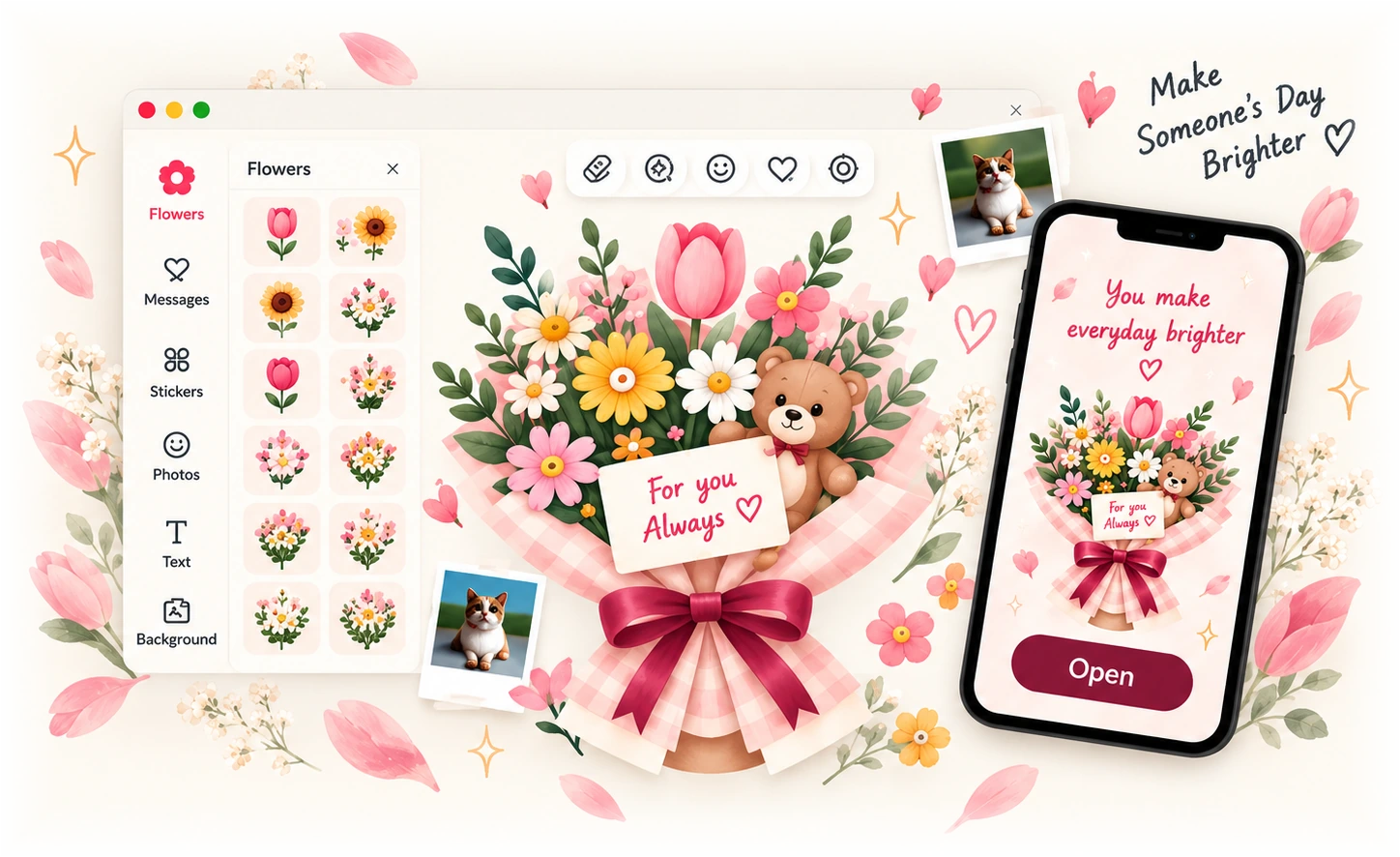
Combine flowers, messages, stickers, cute extras and your own photos. Add a personal note and send a unique bouquet to someone special.
- Free to createNo account required
- A unique way to saysomething special
- Send in secondsShare a link or QR code
How It Works
Create and send a beautiful digital bouquet in just a few simple steps.
- 01
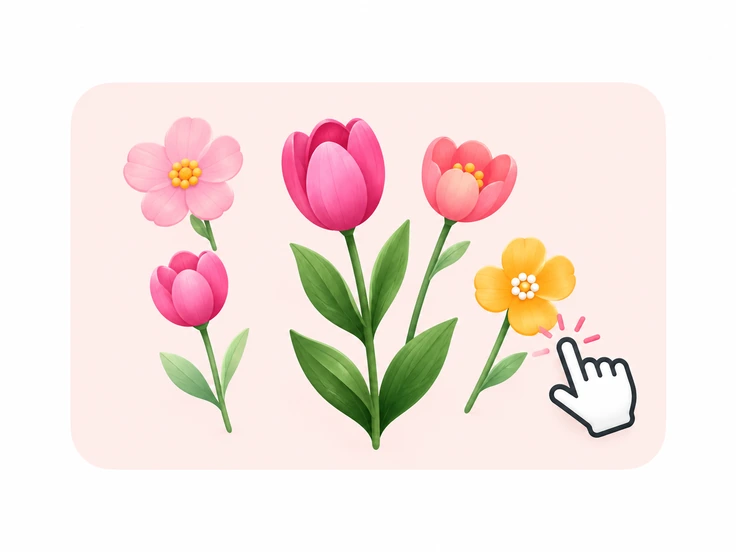
Choose & Customize
Pick flowers, stickers, greenery, backgrounds and more.
- 02
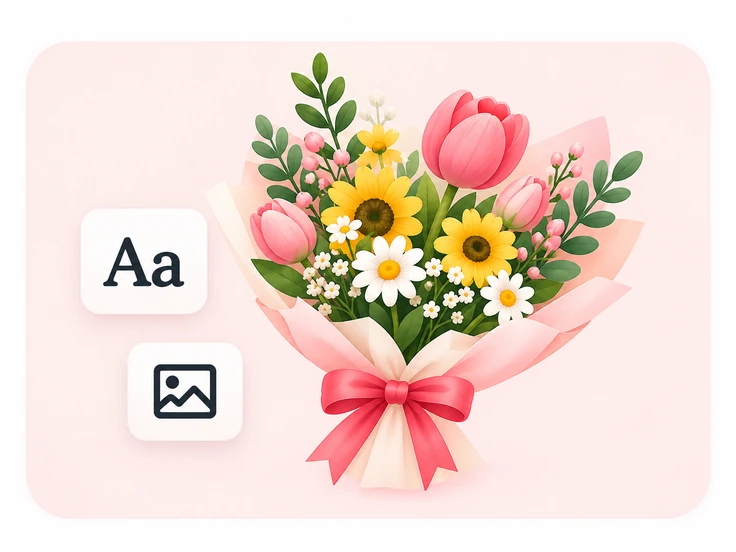
Make It Personal
Add your own photos, a note and unique touches.
- 03
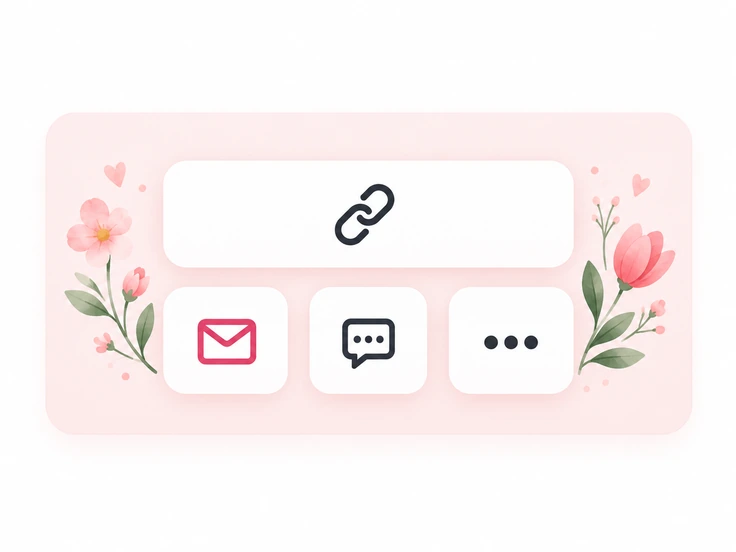
Get a Shareable Link
Create a link or QR code to send your little surprise.
- 04
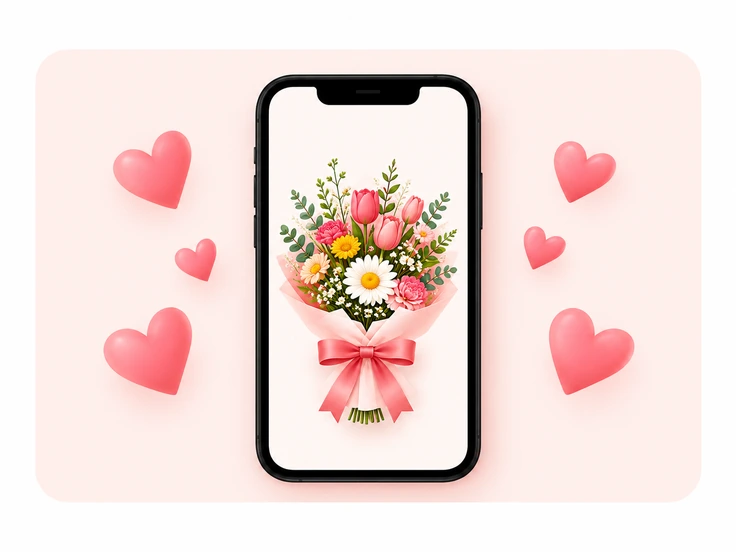
They Open & Smile
They’ll receive a beautiful bouquet with your message.
Gallery of Blooms
Little inspirations for your own creation. Different styles, endless possibilities.
Showing all 8 bouquet inspirations.
Make it yours Make it yours
Birthday wishes
Customize Make it yours
You’re my sunshine
Customize Make it yours
Thinking of you
Customize Make it yours
So very grateful
Customize Make it yours
Sending big hugs
Customize Make it yours
Just because
Customize Make it yours
Brighter days ahead
CustomizeLittle bouquets, big feelings.
A few thoughtful creations to inspire your next little surprise.
Open a bouquet and discover the flowers and words inside.
 Open bouquet
Happy birthday
- From
- Fionang
- To
- Erica
 Open bouquet
For you clarisse
- From
- marco polo
- To
- Clarisse
 Open bouquet
just because
- From
- Sam
- To
- Iyah
 Open bouquet
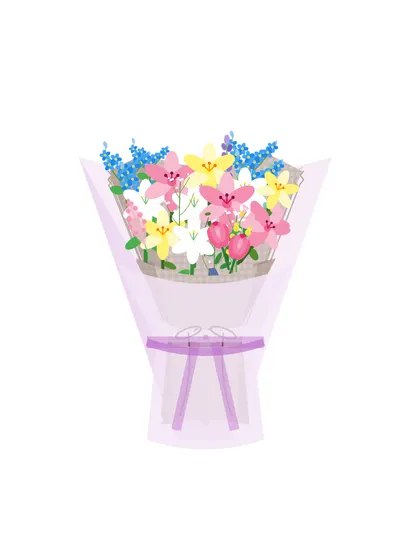
Sunshine
- From
- Asawa mo
- To
- Sunshine 😘
 Open bouquet
Happy birthday kanin
- From
- pringles
- To
- madam babyy
 Open bouquet
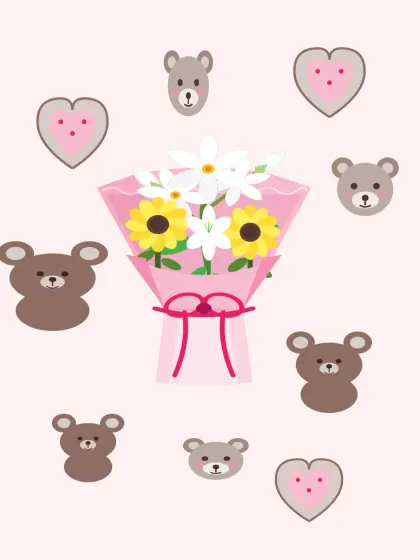
For you
- From
- Jerick mabait
- To
- Someone special
 Open bouquet
Forr myy love of my lifee
- From
- An admirer
- To
- Baby
 Open bouquet
For my lover
- From
- Yujie
- To
- Mary
A Little Help Finding the Words
When you feel it, but can’t quite say it. Make one of these notes your own.
A little reminder that the world is brighter with you in it. Thinking of you today, and always.
Just becauseUse this note
For the little things, the big things, and everything in between. I’m so grateful for you.
A little thank youUse this note
Here’s to another year of beautiful little moments. May your day be as wonderful as you are.
Birthday wishesUse this note
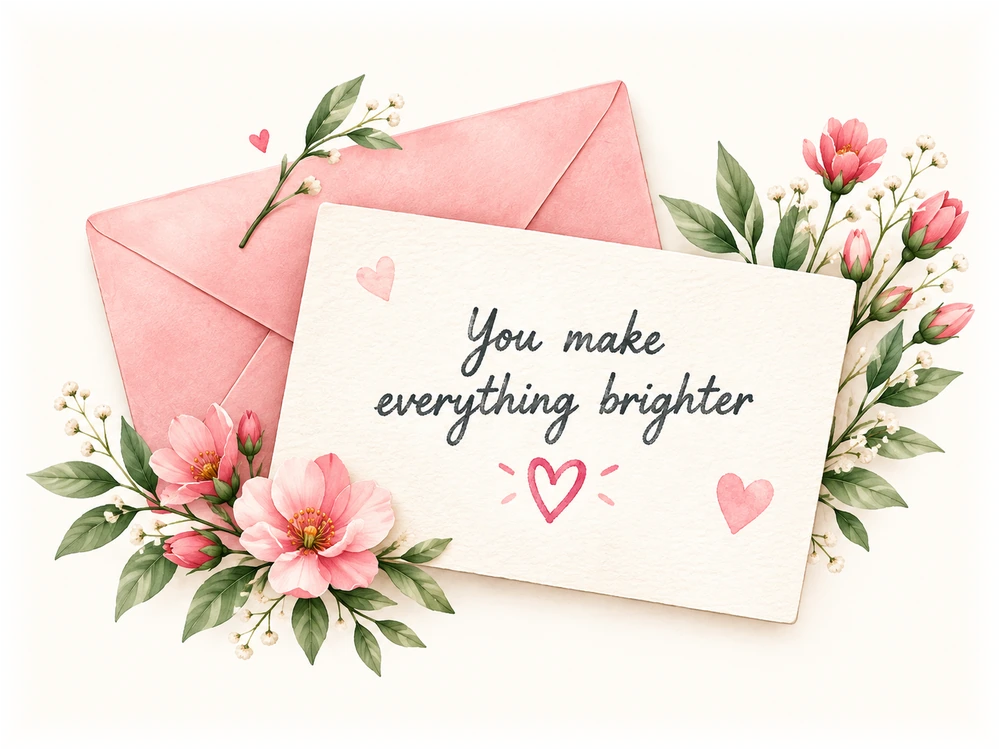
Add a Personal
Note Card
Write a heartfelt message to make
your bouquet even more special.
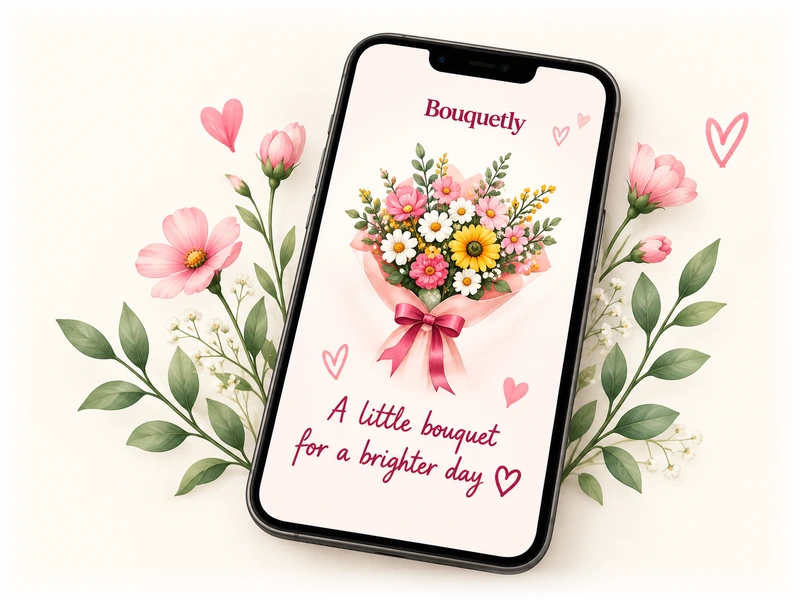
A Beautiful Surprise
for Their Day
They’ll receive a little gift to open,
smile at and keep — wherever
they are.
Frequently Asked Questions
Everything you need to know about creating and sending a digital bouquet.
Is digibouquets free to use?
Yes! You can create a bouquet, add your own photos and message, download an image, and share a gift link for free. No account is needed.
Do I need an account to create a bouquet?
No account or sign-in is required. Your in-progress bouquet is saved in this browser, so you can come back to it on the same device. Clearing browser data also removes your local draft.
How do I send my bouquet?
When your bouquet is ready, add your note and publish it. You’ll get a gift link and QR code to share through your favorite messaging app. Your recipient can open the gift in their browser without an account.
Can I add my own photos and message?
Absolutely. Upload a PNG, JPEG or WebP photo, arrange it with your flowers, and write a personal note. Your photo becomes part of the final bouquet image. You can also add text right on the bouquet.
How long will my bouquet link stay available?
Published gifts have no scheduled expiry while we retain them, but permanent hosting is not guaranteed. Download a copy to keep. Gifts are unlisted: anyone who has the link can view them, so share thoughtfully.
Ready to create
something special?
Turn your feelings into a beautiful digital bouquet
and make someone’s day.
- Free to create
- No account required
- Send in seconds